Guide
How to Choose an ATS-Friendly Resume Template (and Test It Yourself)
Many employers, especially larger ones, collect applications through an applicant tracking system (ATS) such as Workday, Greenhouse, Lever, iCIMS or Taleo. The system extracts your details into fields and lets recruiters search for candidates. If your resume’s layout confuses the parser, your experience can end up jumbled or missing, even if the PDF looks perfect to you.
The good news: the format rules are simple, and you can check any template yourself before you rely on it. For the underlying rules in more detail, see ATS-friendly resume formatting. This guide focuses on choosing and testing a template.
What makes a template ATS-friendly
Look for all of these:
- Single-column layout. Content flows top to bottom in one reading order.
- Standard section headings. “Summary”, “Experience”, “Education”, “Skills”. Creative headings like “My Journey” can confuse parsers.
- Real text everywhere. Your name, contact details, headings and bullets are typed text, not images or shapes.
- No text boxes or layout tables. Many decorative templates place content in floating text boxes or table cells. Parsers often read these out of order, or skip them.
- Contact details in the body, not in Word’s header/footer area.
- Common fonts. Calibri, Arial, Georgia, Cambria, Garamond and similar fonts are safe and also available in Google Docs.
- Consistent dates. “Jan 2024 – Present” or “2024 – Present”, used the same way for every role.
- Real bullet lists. Word’s built-in bullets, not special symbols typed by hand.
Red flags before you download or buy
- Skill “progress bars”, star ratings or charts (an ATS can’t read them, and recruiters can’t interpret them)
- Icons instead of words for phone, email or section names
- A photo-heavy or sidebar design with no single-column alternative
- Templates delivered only as an image, a Canva link or a design-app file when the employer wants Word or PDF
- Sample content written entirely in placeholder text, which makes it hard to see how real content will fit
Three tests you can run on any template
1. The copy-paste test (30 seconds)
Export the resume to PDF. Open it, select all (Ctrl/Cmd + A), copy, and paste into a plain-text editor like Notepad or TextEdit (plain-text mode). Read the result:
- Is your name at the top?
- Do job titles, employers and dates appear together, in order?
- Is anything missing, duplicated or merged into one long line?
If the text comes out in a sensible order, most parsers will read it correctly too.
2. The “show formatting marks” test (1 minute)
In Word, turn on formatting marks (the ¶ button) and click around the page. Look for text box borders, table gridlines (Table Design → View Gridlines) and content anchored to the header or footer. A clean template uses ordinary paragraphs, styles and tab stops.
3. The upload preview test (2 minutes)
Many application portals parse your resume and pre-fill a form when you upload it. Before you submit, look at what they filled in. If your job titles landed in the right boxes, the template is doing its job. If not, fix the source document rather than retyping it every time.
Do you need a separate ATS version?
If you like a design-forward layout (two columns, a color band, a sidebar), keep it for situations where a person reads it first: networking, emailing a hiring manager directly, career fairs. For online portals, use a single-column version with the same content. Some of our design-forward templates (Atlas and Studio) include a single-column ATS version in the download for exactly this reason.
Our ATS-friendly templates
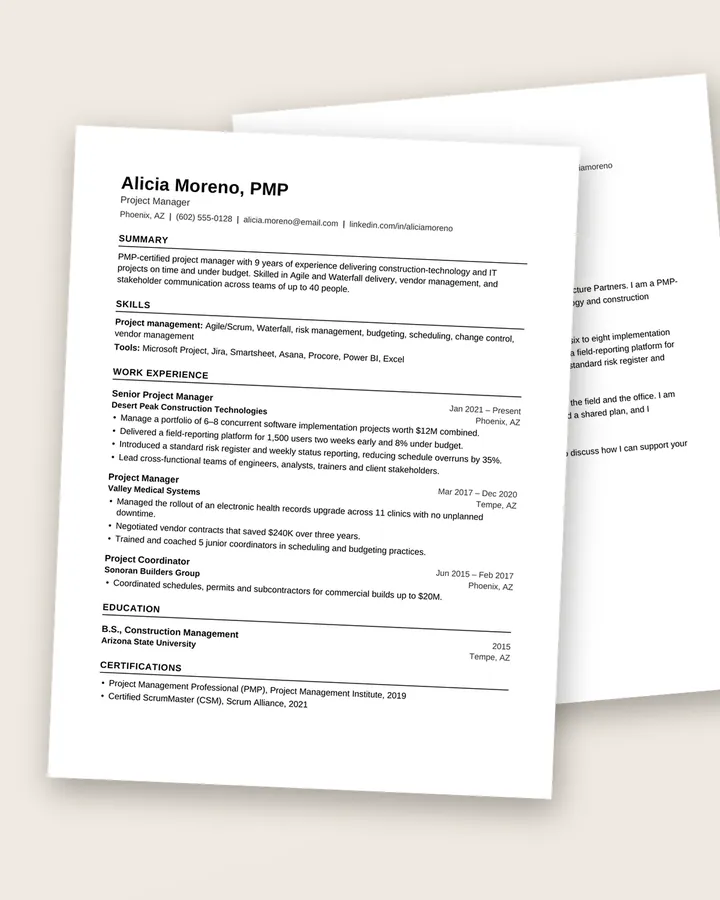
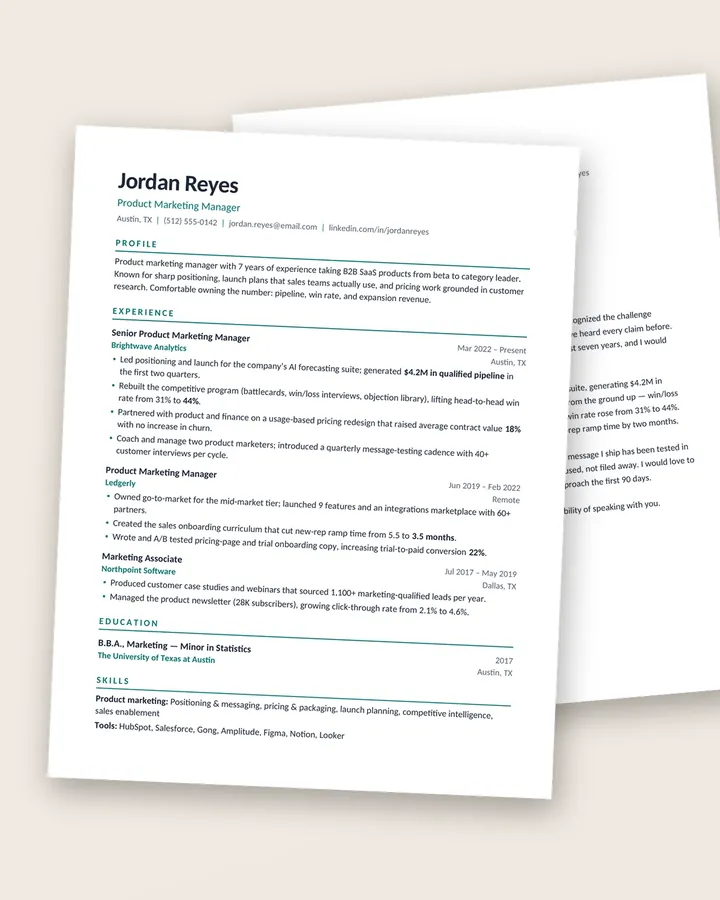
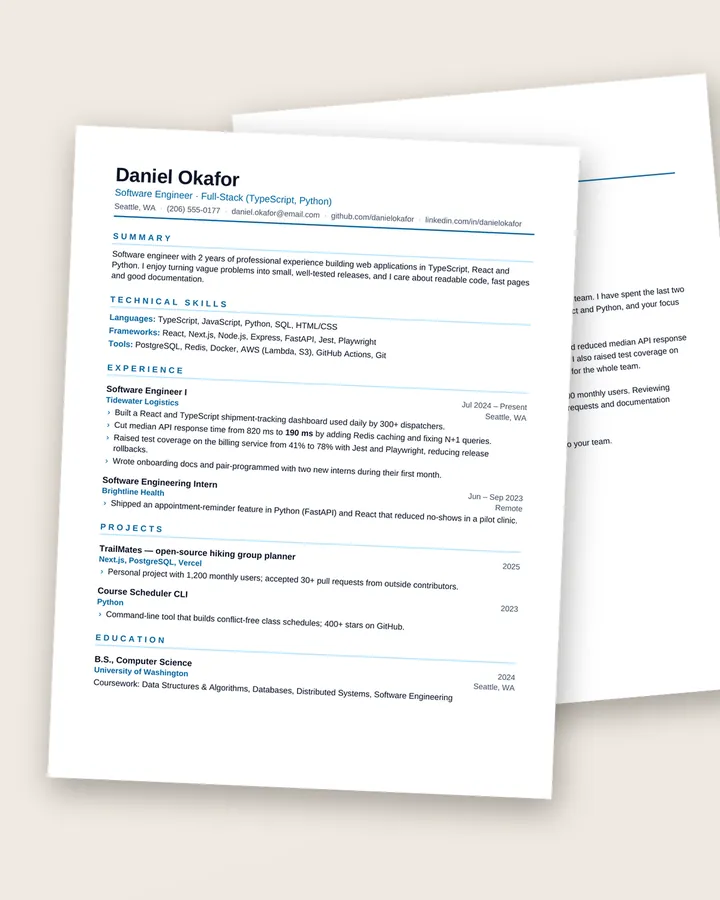
Every single-column template in our shop follows the rules above: real Word styles and bullets, standard headings, no text boxes, and contact details in the body. A few starting points:
- Clarity: the plainest, most portal-focused layout, in Arial with simple rules.
- Meridian: modern and clean, with a touch of color that doesn’t affect parsing.
- Kernel: compact one-page layout for software engineers, built to parse in Greenhouse, Lever and Workday.
No template can guarantee how a particular employer’s system behaves, and no one can honestly promise you’ll “beat the ATS”. What a good template does is remove formatting as a reason for your resume to be misread, so the content can do its job.
Before you apply
- Run the copy-paste test on your final PDF, not just the template.
- Match the job title and key skills from the posting, honestly, in your summary and bullets.
- Name the file Firstname-Lastname-Resume.pdf.
- Work through the free Résumé Checklist for everything else.
Free download
The Résumé Checklist
38 practical checks to run before you hit send, from your header and bullets to ATS formatting and file names. A 3-page PDF, free.
Frequently asked questions
Are two-column resume templates bad for ATS?
Not always, but they're riskier. Some systems read across both columns line by line, which can mix up your content. If you're applying through online portals, a single-column template is the safer choice. If you love a two-column design, keep a single-column version for portals.
Is a PDF or Word file better for applicant tracking systems?
Most modern systems read both well, as long as the PDF contains real, selectable text. If the employer asks for a specific format, use it. If they don't say, a text-based PDF from a clean template is fine.
Can an ATS read headers and footers?
Some systems skip the header and footer areas of a document. Keep your name and contact details in the main body of the page, not in Word's header/footer region.
Do ATS-friendly resumes have to look plain?
No. Color in headings, a strong name line, thin rules and good typography are all fine. What causes problems is structure: text boxes, tables for layout, images of text and icons that replace words.