Modern ATS-friendly
Meridian
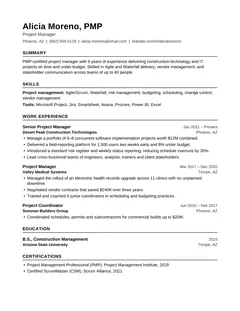
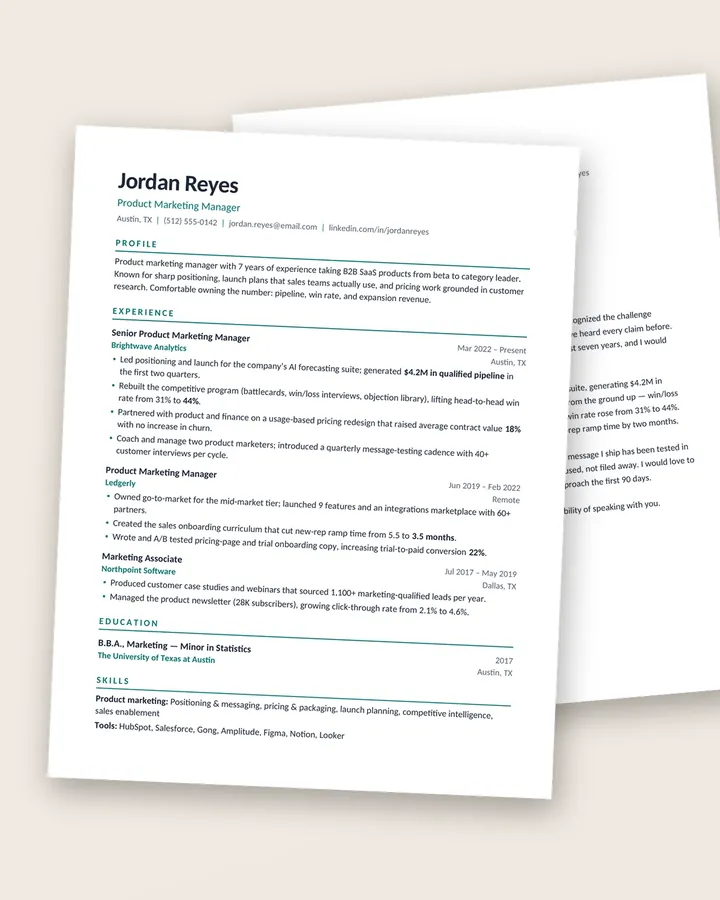
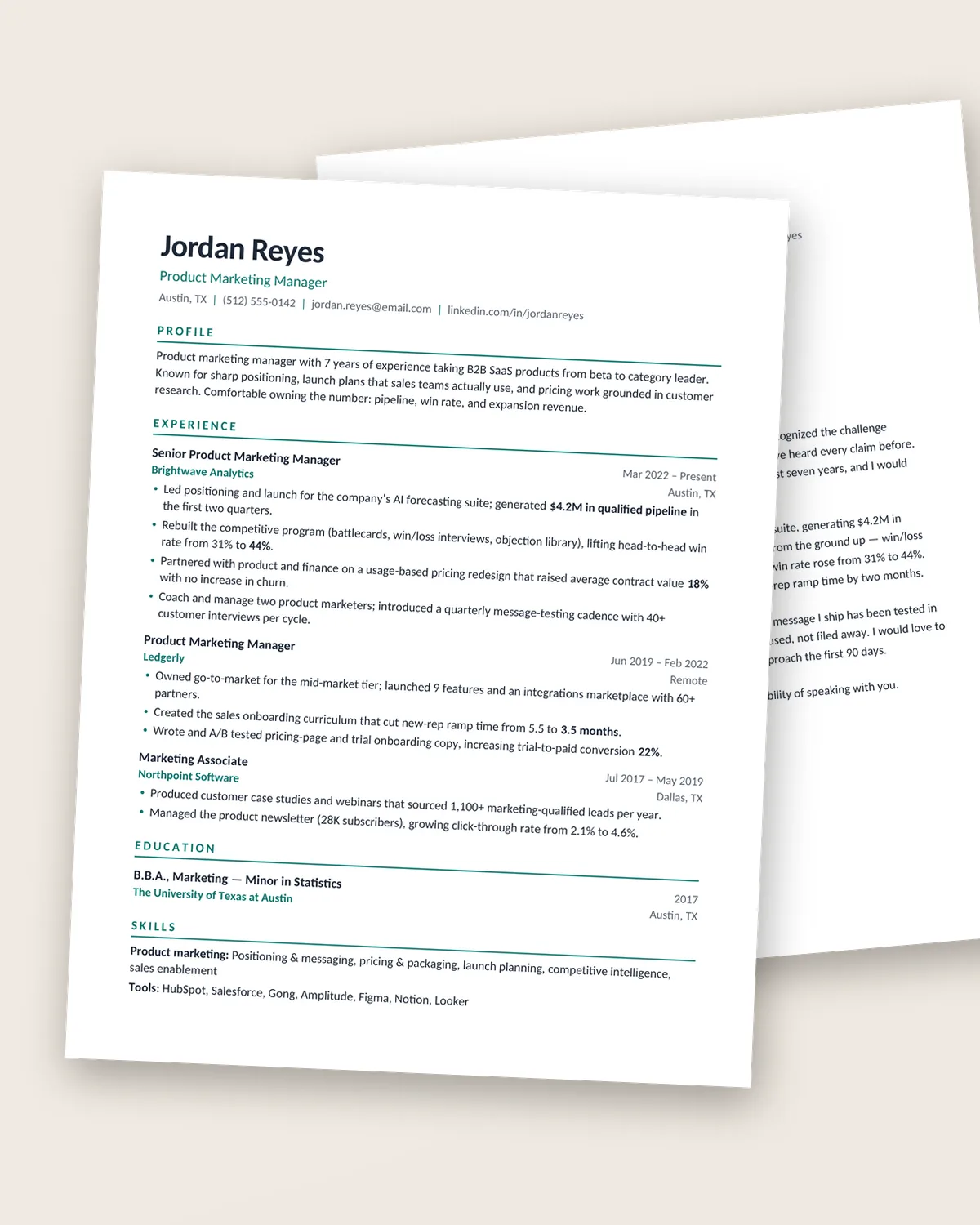
Clean, confident and easy to scan — the all-rounder for business roles.
Designer templates you edit in Word or Google Docs. From $7, instant download.
Browse the templates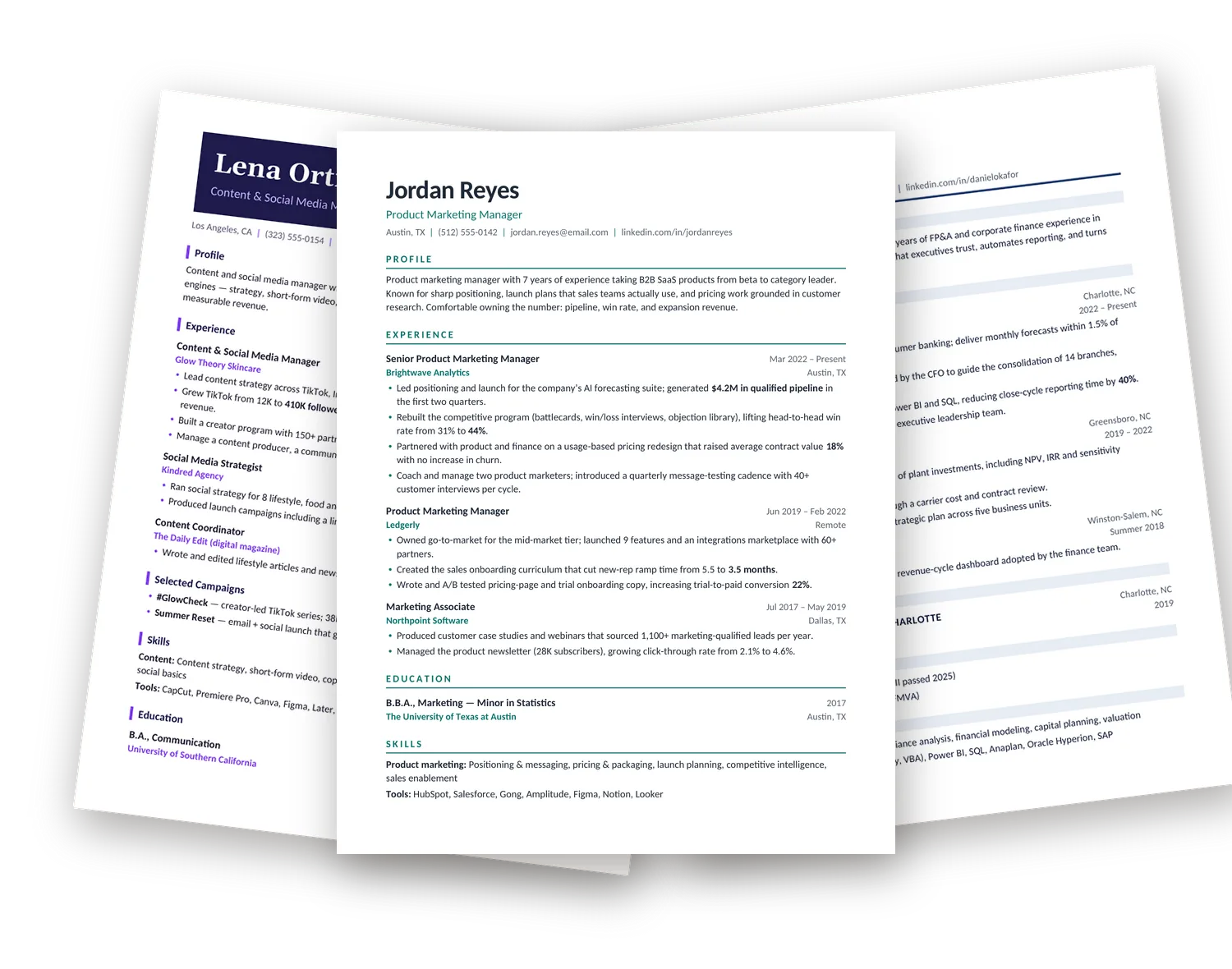
See the difference
Left: a fictional marketer’s résumé typed into a blank document. Right: the exact same words dropped into our Meridian template. Nothing else changed.
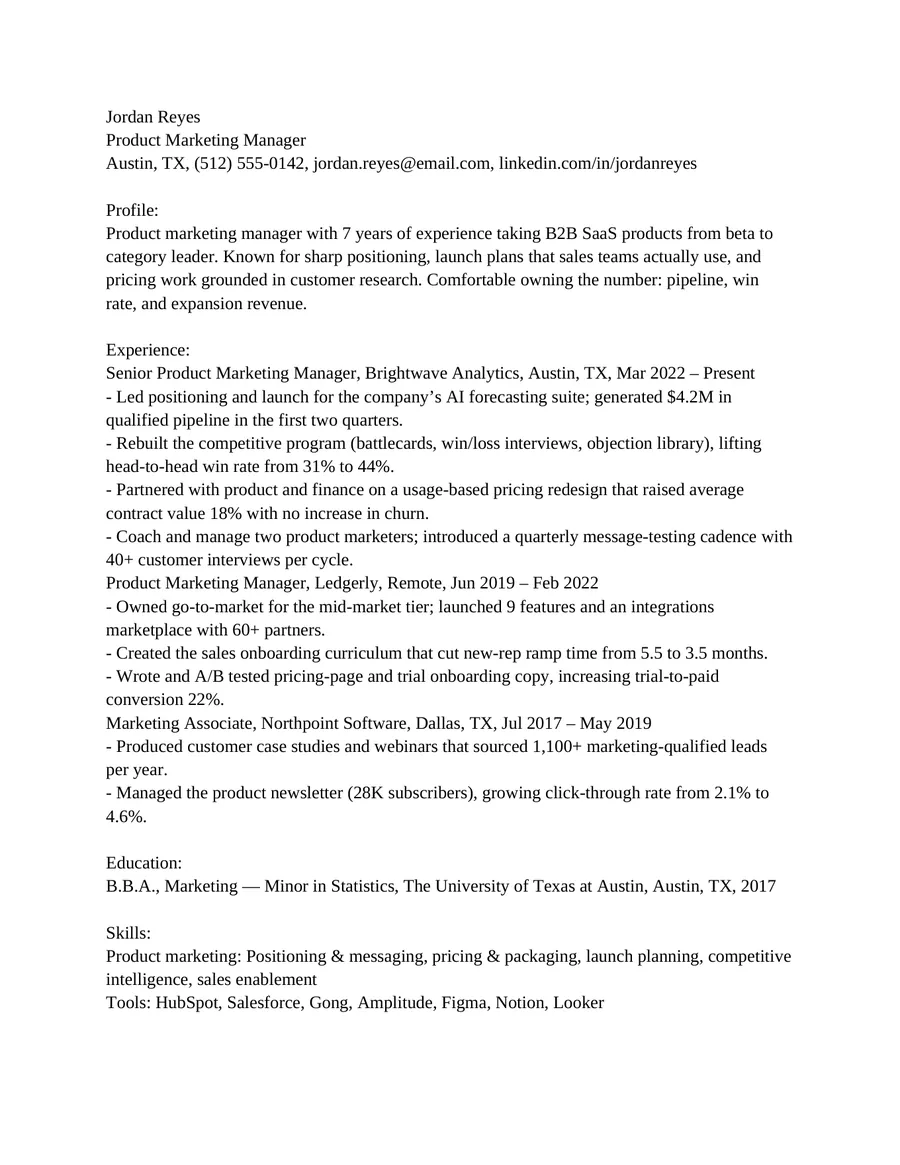
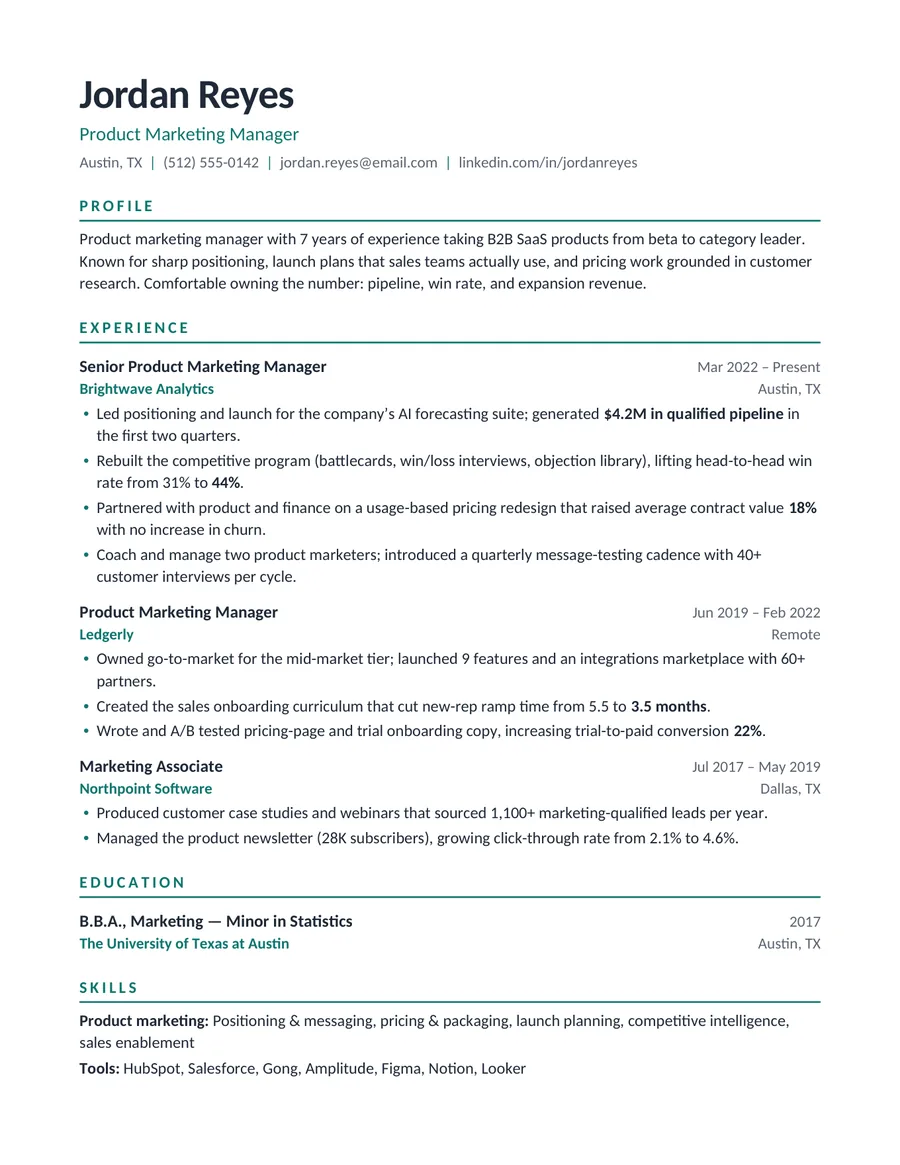
Both images are rendered from real .docx files; the person is fictional. Both versions are machine-readable — the difference is what a human sees in the first few seconds. See the Meridian template.
Popular styles
Clean, confident and easy to scan — the all-rounder for business roles.
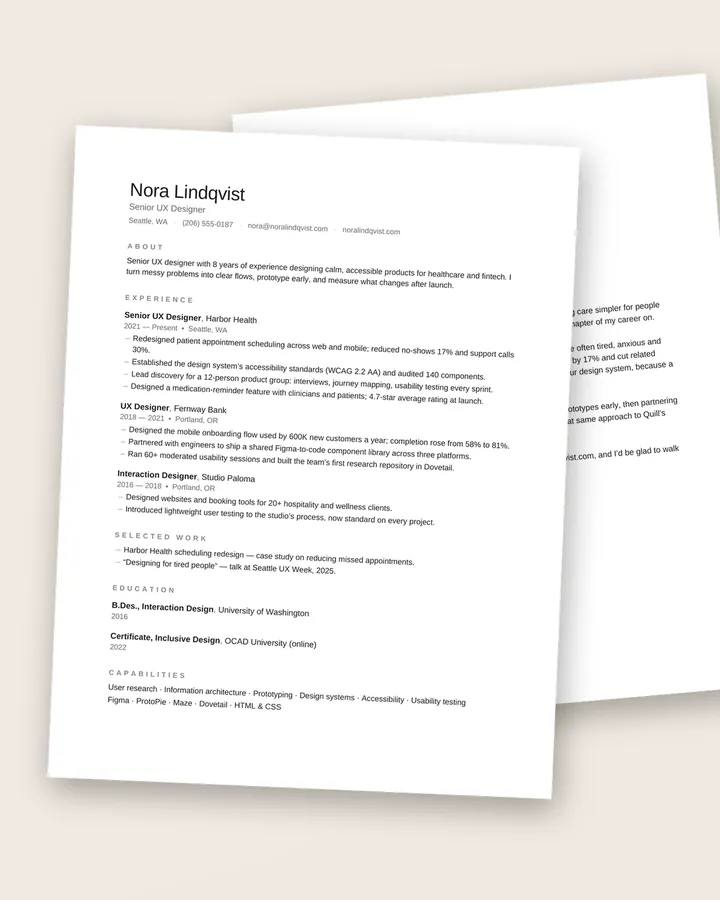
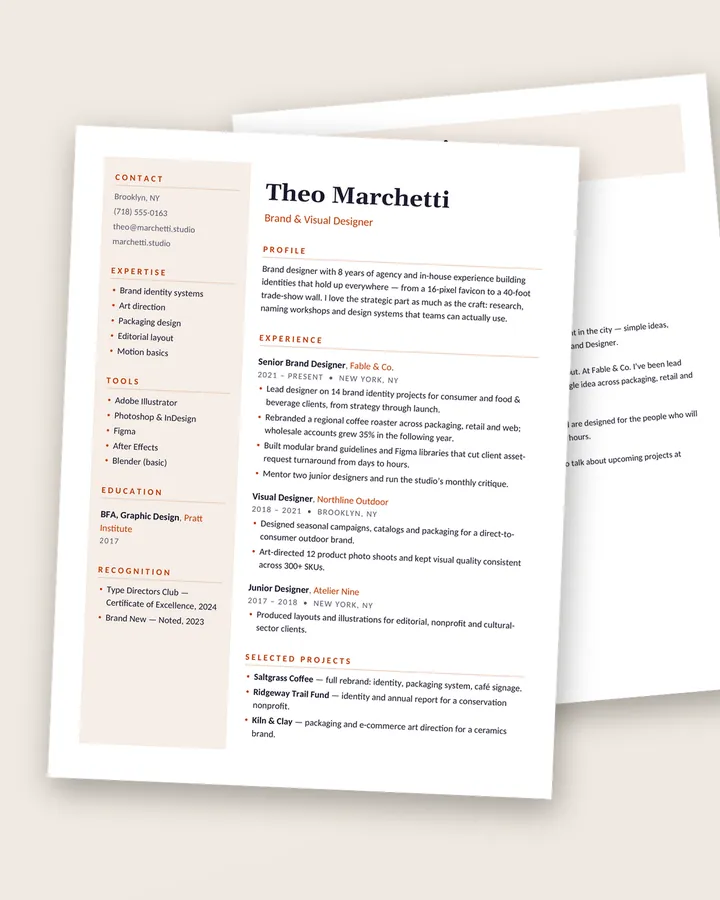
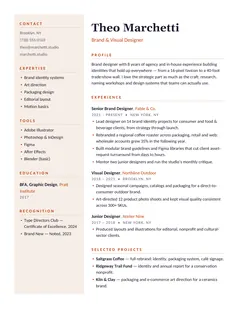
A warm sidebar layout for portfolios and direct applications — ATS version included.
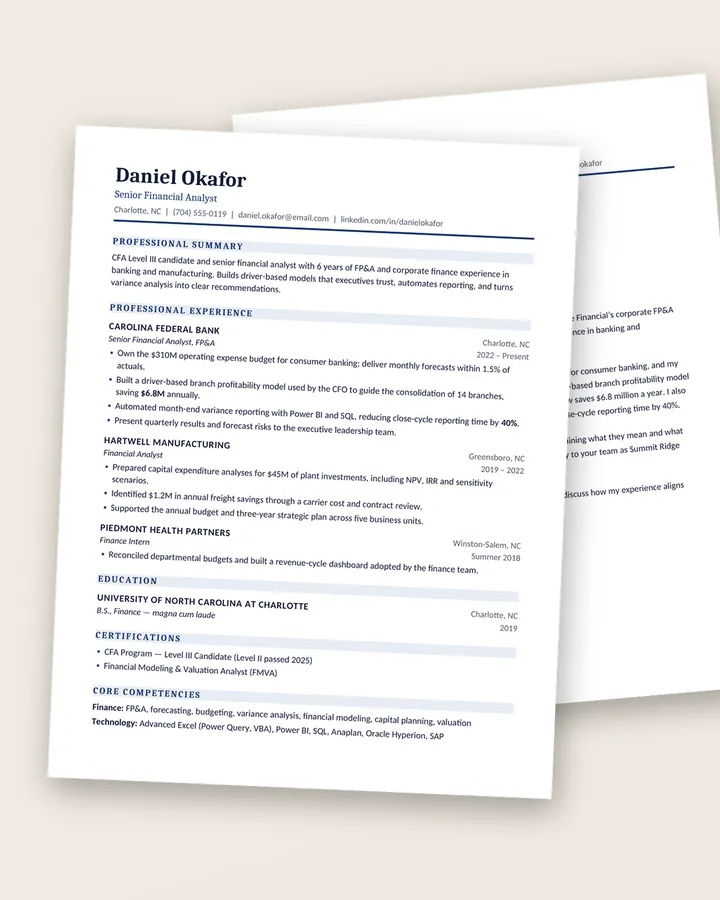
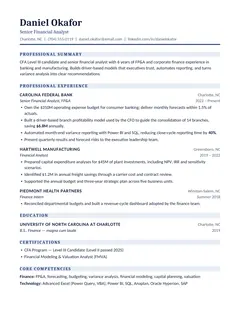
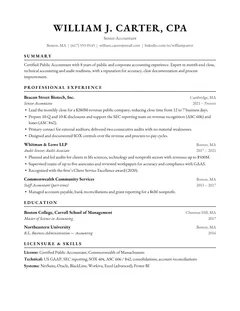
Polished, traditional structure for finance, banking and consulting.
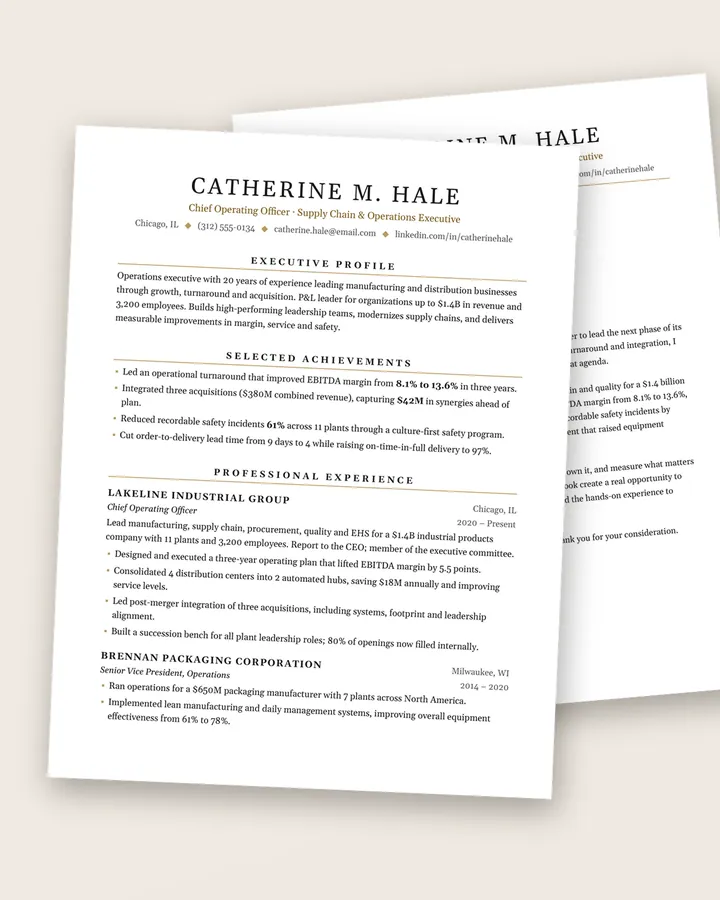
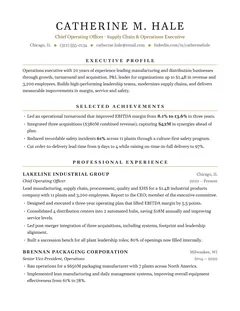
Two-page leadership résumé with a “Selected Achievements” section up front.
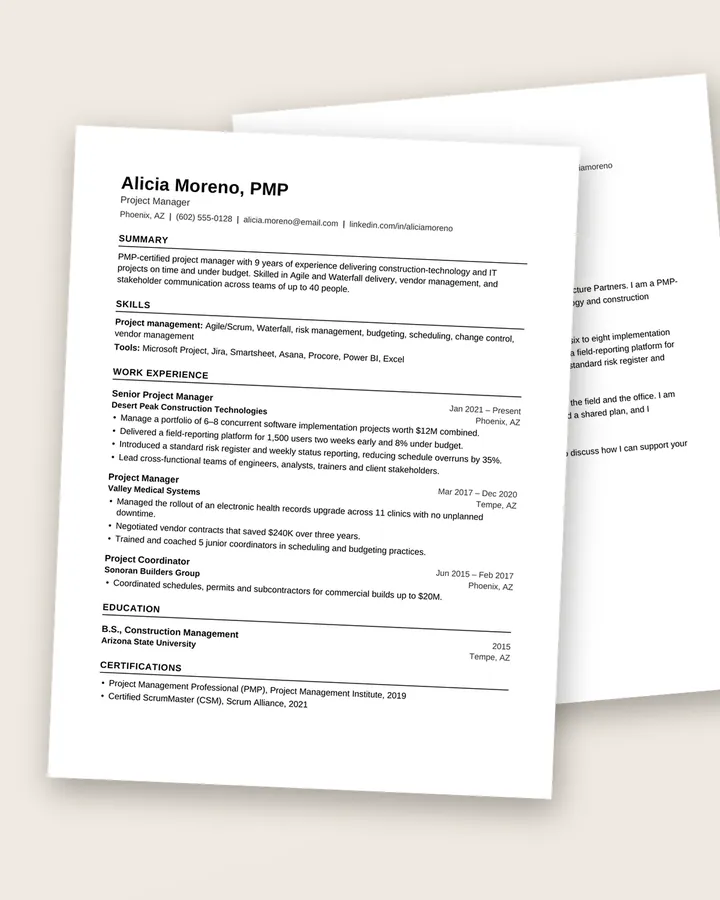
Plain-text-safe structure that applicant-tracking systems read perfectly.
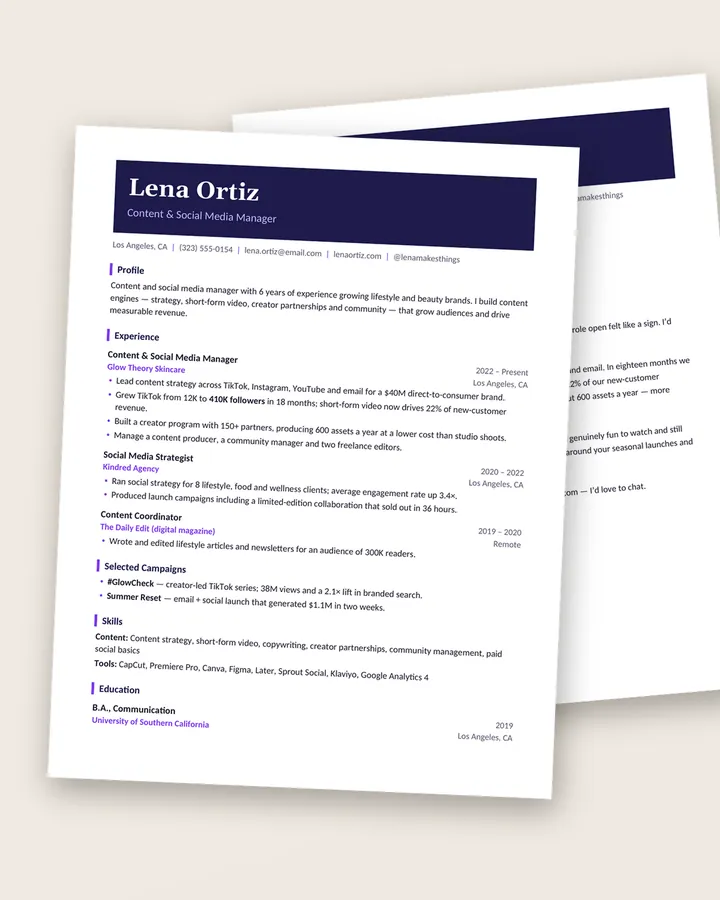
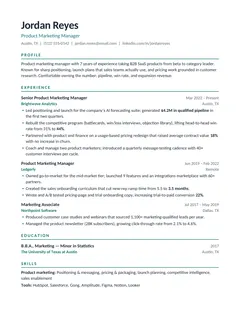
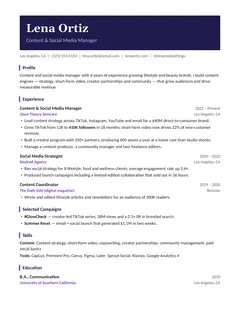
A confident color header for marketing, media and content roles — ATS version included.
Free download
38 practical checks to run before you hit send, from your header and bullets to ATS formatting and file names. A 3-page PDF, free.
Why these templates work
Recruiters skim. Applicant-tracking systems parse. Every template is built to make both jobs easy.
Clear hierarchy, aligned dates and generous spacing put your title, employers and results where the eye lands first.
Single column, standard headings and real text — no tables of icons, images or text boxes that confuse parsing software.
Built with real Word styles and bullet lists, so the layout stays intact when you add a job or delete a section.
Every template comes with a realistic sample résumé and letter that shows how strong, results-led bullets are written.
What’s in every download
Professionally designed templates with matching cover letters. No subscriptions, no account, no watermark — pay once, download immediately, and edit as many versions as you like.
How it works
Choose by style or field. Every product page shows the real pages, not mock-ups of something else.
Pay by card (Apple Pay and Google Pay where available) through our secure payment provider. No account needed.
Your files appear instantly on the confirmation page and in your inbox. Open, type over the example, export to PDF.
Bundles
Different employers expect different styles. Bundles give you options for a fraction of the single price.
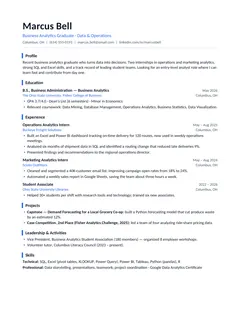
Three proven layouts for applying broadly: ATS-optimized, modern and entry-level.
Four polished templates for finance, accounting, consulting and leadership roles.
Four design-forward templates for creative, marketing and design roles.
Every template in the shop — all 21 résumé and cover letter sets.
Free resume guides
What makes a resume template ATS-friendly, red flags to avoid before you buy or download one, and three free tests you can run on any template in a few minutes.
How to fill in an entry-level resume template with little or no work history: section order, what counts as experience and example bullets.
How to use a career change resume template: hybrid structure, a summary that explains the move, transferable-skill bullets and five worked examples.
An instant ZIP download with the résumé (or CV) and its matching cover letter as editable Word (.docx) files in both US Letter and A4 sizes, print-ready PDF copies, and a short Start Here guide. Atlas and Studio also include a single-column ATS version.
Yes. Upload the .docx file to Google Drive and open it with Google Docs. Every template uses fonts that are available in both Microsoft Word and Google Docs (Calibri, Cambria, Georgia, Garamond or Arial), so the layout carries over cleanly. They also open in Apple Pages and LibreOffice.
Nineteen of the twenty-one layouts are single-column with standard section headings, real text and no text boxes, images or icons — the structure applicant-tracking systems read most reliably. The two design-forward layouts (Atlas and Studio) use a sidebar or color band, so each one also ships with a single-column ATS version. No template can guarantee how a particular employer’s system behaves, but these follow widely recommended ATS practices.
Immediately. As soon as your payment is confirmed you’ll see download buttons on the confirmation page, and we email you a copy of your download links as well.
No. Microsoft Word, Google Docs (free), Apple Pages (free) or LibreOffice (free) all work. You don’t need Photoshop, Canva or any design tools.
The sample résumés are written as realistic examples so you can see how strong bullet points are phrased, but every name, employer result and contact detail is fictional. Replace them with your own information.
Templates from $7, or every style for $29. Instant download.