Guide
How to Make an ATS-Friendly Resume: The Format Rules That Actually Matter
An applicant tracking system (ATS) is the software many employers use to collect applications, turn each resume into a searchable record and help recruiters filter candidates. The useful way to think about it is this: the ATS has to read your resume correctly before a person ever sees it. Most problems come from formatting that confuses that reading step, not from some secret score.
This guide covers what actually matters, in the order it tends to go wrong.
1. Send a file the system can read
- Use a real text document. A .docx from Word or Google Docs, or a PDF exported from one of them, contains selectable text. A scanned page, a photo of your resume or a design exported as an image does not. If you can’t highlight the words in your PDF, an ATS can’t read them either.
- Follow the posting. If the upload form asks for Word, send the .docx. If it accepts PDF, a text-based PDF is generally fine and keeps your layout fixed.
- Name the file sensibly:
Firstname-Lastname-Resume.pdfis clearer to a recruiter thanfinal_v7.pdf.
2. Keep the layout simple to parse
Parsing software reads a document roughly top to bottom, left to right. Layouts that look great to people can scramble that order.
- One column for portal applications. Sidebars and two-column grids can cause skills to merge into job descriptions. A single column is the safest choice when you apply through an online form.
- No text boxes, shapes or images carrying information. Text inside floating boxes is often skipped. Icons in place of words (”📞” instead of “Phone”) may not be read at all.
- Contact details in the body, not the header area. Many templates put your name in Word’s header region. Some parsers ignore headers and footers, so keep your name, email and phone in the main document.
- Standard bullets. Use the normal bullet list feature rather than custom symbols or images.
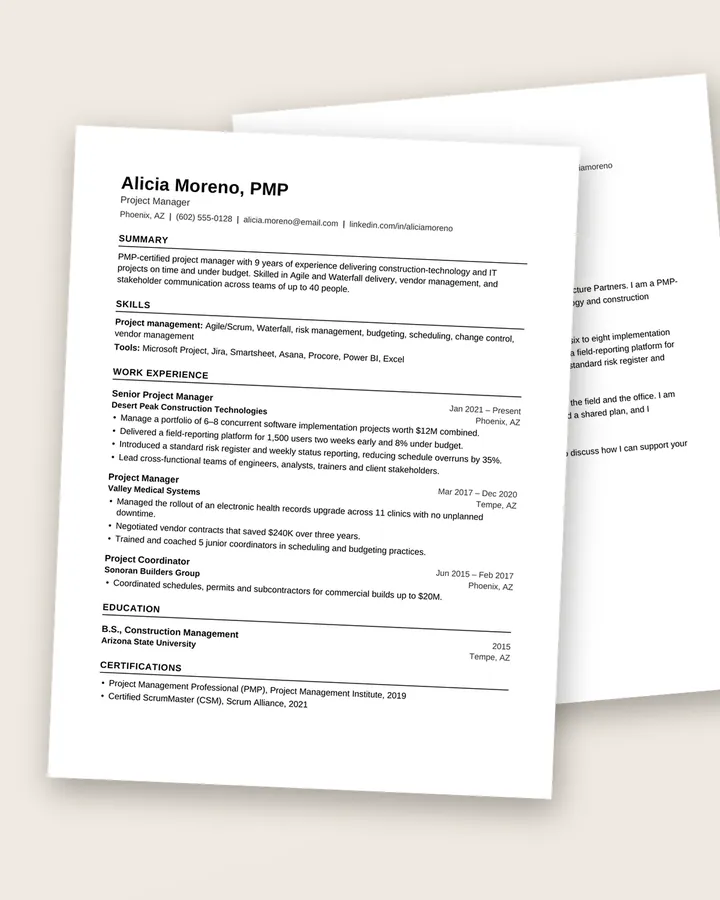
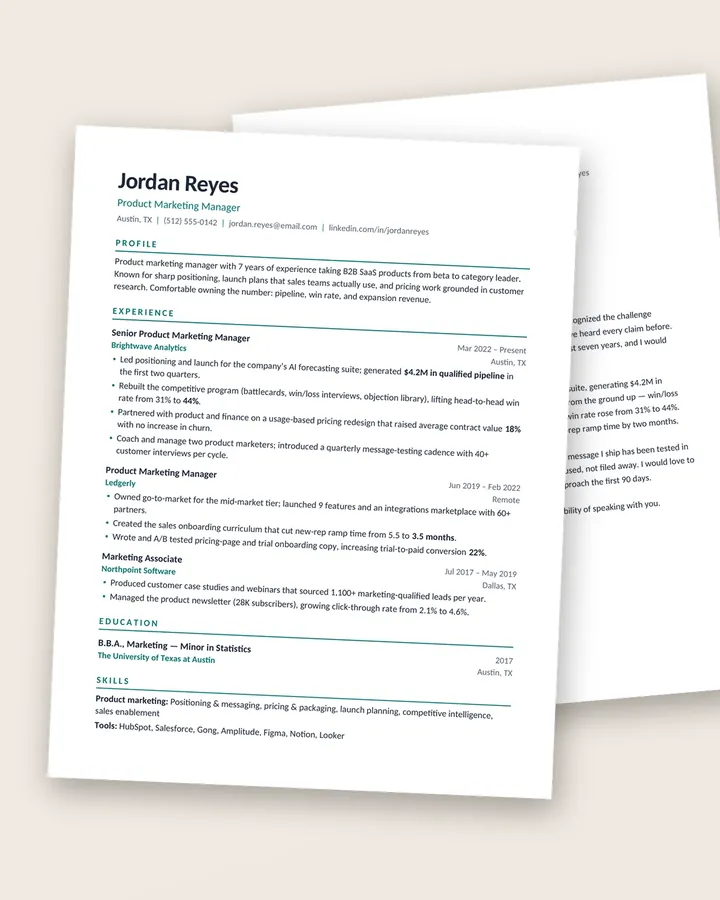
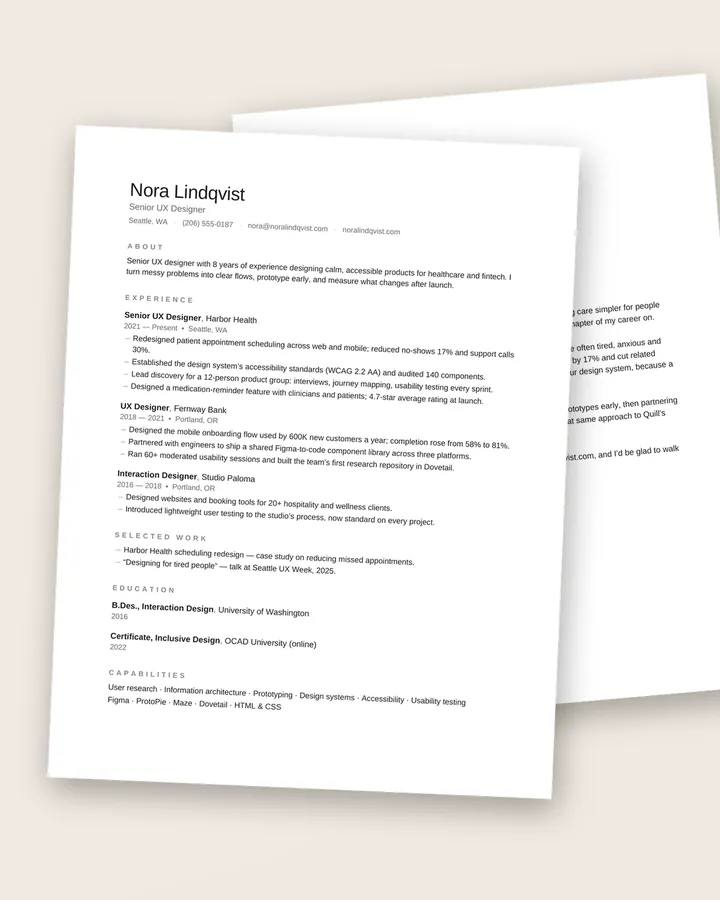
Our Clarity ATS resume template follows all of these rules by design. The design-forward templates, such as Atlas and Studio, ship with a separate single-column ATS version for the same reason.
3. Use headings the software expects
Parsers look for familiar section names to decide where your experience, education and skills begin. Creative headings like “Where I’ve Been” or “My Toolbox” read nicely but can land your history in the wrong field.
Stick to conventional labels:
- Summary (or Profile)
- Experience (or Work Experience, Professional Experience)
- Education
- Skills
- Certifications, Licenses, Projects, Publications where relevant
4. Make dates and job titles unambiguous
- Put job title, employer, location and dates for each role in a consistent order.
- Use a consistent date format such as
Mar 2022 – Presentor03/2022 – Present. Mixing “Spring 2021” with “06/2019” makes it harder for software to calculate your experience. - If your official title was unusual (“Growth Ninja”), it’s reasonable to add the standard equivalent: “Growth Marketing Manager (title: Growth Ninja)”.
5. Match the language of the job, honestly
Recruiters often search the ATS for specific terms: a job title, a tool, a license, a certification. If the posting says “financial modeling” and you’ve done it, use those words rather than “built spreadsheets for forecasts”.
A practical method:
- Copy the posting into a document and highlight the skills, tools and qualifications it repeats.
- For each one you genuinely have, make sure it appears in your skills section and in a bullet that shows you using it.
- Spell out abbreviations once: “Electronic Health Records (EHR)”, “Search Engine Optimization (SEO)”.
Avoid keyword stuffing, hidden white text or a pasted copy of the job description. These tricks are easy for a recruiter to spot once a human opens the file, and they cost you credibility.
6. Keep fonts and formatting ordinary
Use a common font such as Calibri, Arial, Garamond, Georgia or Cambria, at a readable size (about 10–12 pt for body text). Bold for job titles and section headings is fine. Avoid putting important information only in color, and avoid tables used for layout unless you know the template keeps the reading order intact.
7. Test it before you apply
- The plain-text test: copy everything in your PDF and paste it into a plain text editor. If the order still makes sense (name, contact, summary, experience in sequence), a parser will likely read it correctly.
- The upload preview: many application portals show the fields they extracted from your resume. Check them. If your job titles ended up in the wrong place, fix the file rather than just the form.
ATS-friendly does not mean plain
A single-column document can still have clear hierarchy, good spacing and a confident heading style, and that is what the human reader responds to. The Meridian modern resume template and the Linen minimalist resume template are both single-column and built with real Word styles, so they stay readable for software and people.
Quick checklist
- Text-based .docx or PDF, as the posting requests
- Single column for online portals
- Name and contact details in the main body
- Standard section headings
- Consistent title / employer / dates format
- Keywords you genuinely have, used in context
- Plain-text paste test passed
Free download
The Résumé Checklist
38 practical checks to run before you hit send, from your header and bullets to ATS formatting and file names. A 3-page PDF, free.
Frequently asked questions
Is a two-column resume ATS-friendly?
Sometimes, but not reliably. Some systems read two columns left to right across the page and mix up your sections. If you apply through online portals, use a single-column version. Our design-forward templates include one for exactly this reason.
Should I submit my resume as PDF or Word?
Follow the job posting. If it doesn't say, a text-based PDF exported from Word or Google Docs is usually fine. Some older portals parse .docx more reliably, so when an upload form asks for Word, send the .docx.
Do I need to copy keywords exactly from the job description?
Use the employer's wording where it truthfully describes your experience, especially for job titles, tools and certifications. Don't paste in skills you don't have. A human reads the resume after the software does.