Guide
Is a Two-Page Resume OK? When to Use One, and How to Format It
A two-page resume is perfectly acceptable when your experience justifies it. The real rule isn’t “one page”; it’s every line must earn its place, and the most important information must be on page one.
When one page is better
- Students, recent graduates and people with under about five years of experience
- Career changers whose earlier experience isn’t relevant
- Applications where the employer explicitly asks for one page
If you’re in one of these groups and running long, the fix is usually editing, not formatting. Our guide to a student resume with no experience shows how to prioritize.
When two pages make sense
- Roughly a decade or more of relevant experience
- Senior, executive or leadership roles where scope and results need space
- Technical roles with substantial project or certification histories
- Fields that expect detail, such as healthcare, engineering or government contracting
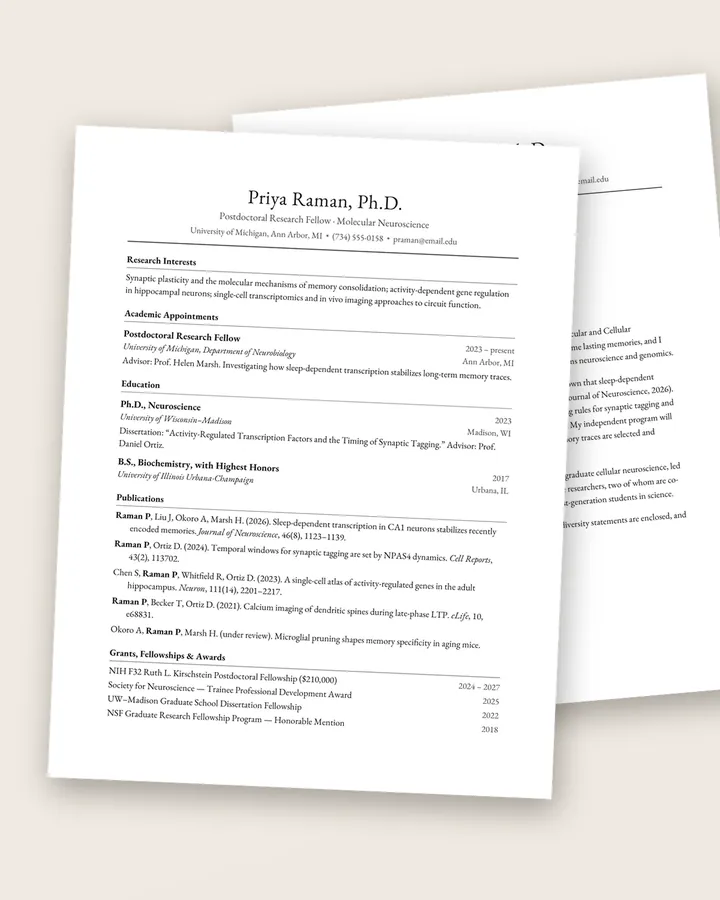
Academic CVs are a separate case: they’re as long as your record requires. See CV vs resume.
What must be on page one
Assume some readers will only see page one. It should contain:
- Your name, title and contact details
- A short summary that says who you are and what you want
- Your strongest achievements (a Selected Achievements section works well for senior candidates)
- Your current or most recent role in full
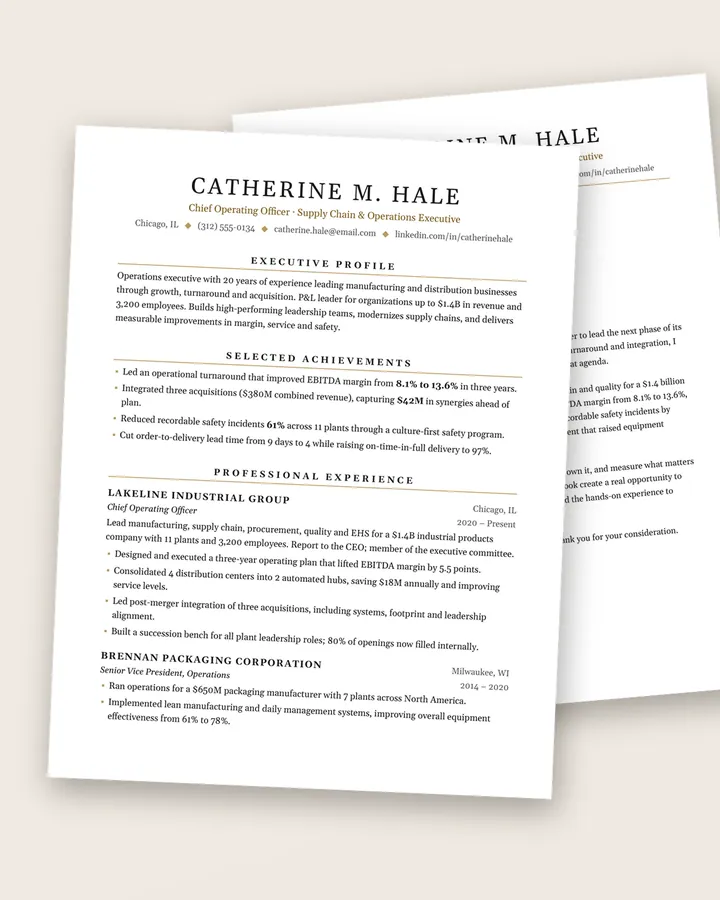
The Regent executive resume template is built around this idea: an executive profile and selected achievements open page one, followed by detailed experience that continues onto page two.
Formatting page two properly
- Repeat your name in a header on page two (e.g. “Catherine Hale · Page 2”) in case pages are printed and separated.
- Don’t split a job awkwardly. A role’s title line shouldn’t sit alone at the bottom of page one. Use Word’s “Keep with next” setting on job titles, or move the break.
- Keep the design consistent: the same margins, fonts and heading style on both pages.
- Put lower-priority sections last: education (for experienced candidates), certifications, affiliations, board roles, languages.
- Export a PDF and check the page break looks intentional.
How to trim to the right length
Whether you’re cutting from three pages to two or two to one:
- Shorten roles older than 10–15 years to a line or two each, or group them under “Earlier Experience”.
- Remove bullets that describe duties rather than results.
- Merge similar bullets.
- Cut the “References available upon request” line; it’s assumed.
- Only then adjust spacing, and keep body text at a readable size (about 10–12 pt).
Templates that handle two pages well
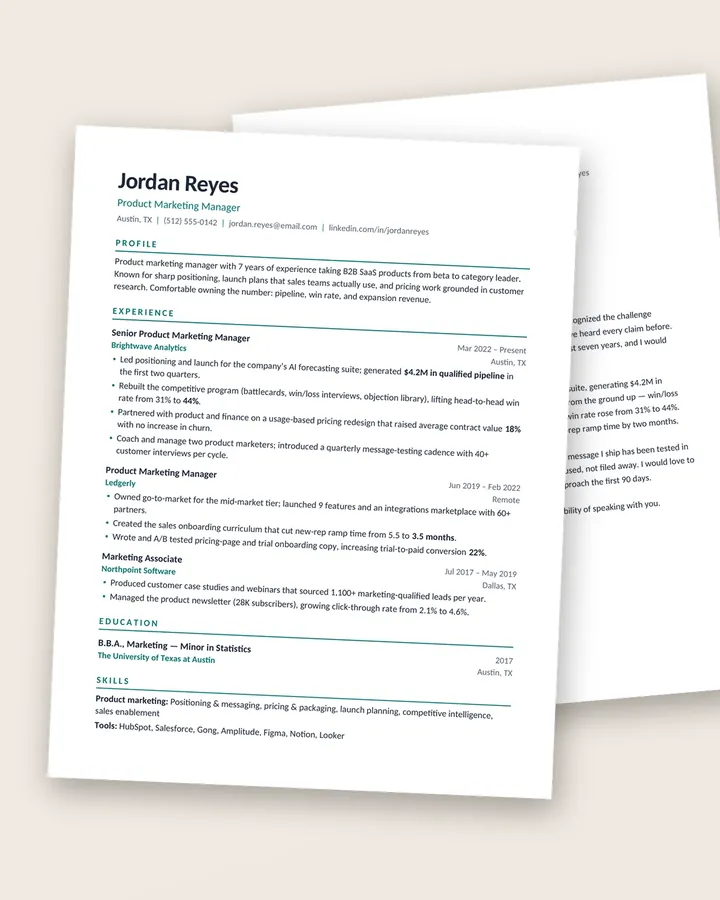
Templates designed for two pages have headers and section spacing that already work across the page break, so you don’t have to fiddle with layout. Regent is our two-page executive resume and Scholar is a two-page academic CV. If you decide one page is right, the Meridian modern resume template is a clean single-page option.
Free download
The Résumé Checklist
38 practical checks to run before you hit send, from your header and bullets to ATS formatting and file names. A 3-page PDF, free.
Frequently asked questions
Is a two-page resume bad?
No. For experienced professionals it's common and expected. It's only a problem when page two is padding: old, irrelevant roles or repeated bullets.
Should page two be a full page?
It doesn't need to be full, but aim for at least a third to half a page. A few lines on page two look accidental; either trim to one page or develop the content.
Do federal (USAJOBS) resumes follow the same rule?
Check the current USAJOBS guidance, which has its own rules on length and required details. Federal resumes are a different format from private-sector resumes.